
Itasha Printing Checklist: From Artwork to Safe Packaging
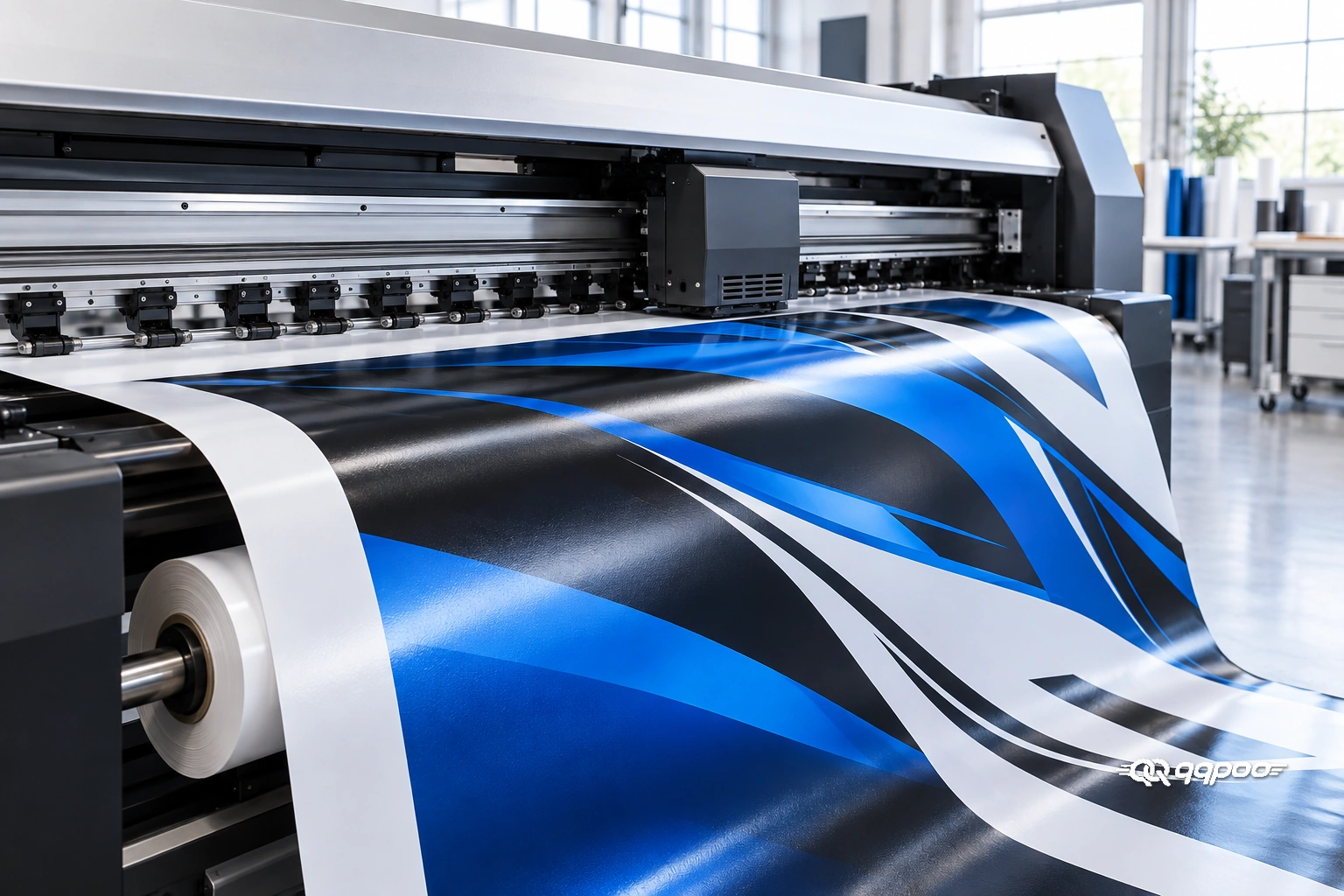
Good itasha printing starts before the printer runs. Check the artwork at its final size, confirm vehicle measurements and panel breaks, approve a physical color sample, and agree on the film, laminate and finishing process. Then inspect the finished graphics and protect them during shipping. A sharp character illustration can still disappoint if a face lands on a door handle, a blue gradient prints unevenly, or the roll arrives creased.
This guide follows two connected stages: large-format printing and protective packaging. The accompanying images illustrate those stages; they do not specify a particular printer, material system or shipping service. For the background of the culture, see our itasha history guide. Here, the focus is getting your anime car graphics ready for production.
1. Check character artwork at the actual print size
A phone preview hides problems that become obvious across a car door. Review the original file, then inspect a crop of the character’s eyes, hair edges and clothing details at the planned output size. Look for compression blocks, rough outlines, stray pixels and blurry small text.
For raster artwork, ask the printer for the required effective PPI at final size. PPI describes image detail; the printer’s advertised DPI describes a different part of production. Simply changing a file’s resolution label does not add detail. For example, an image 150 cm wide at 150 PPI needs approximately 8,858 pixels across. That is a calculation example, not a universal requirement.
Vector lettering and shapes can scale cleanly, but an embedded low-resolution character image still needs checking. Roland’s print/cut preparation guide explains the distinction between vector artwork and raster resolution.
Keep a clearly named, approved master. Avoid replacing the character with an automatic redraw during enlargement: even a small change to an eye or expression can alter the design you chose. Confirm permission to reproduce the artwork before ordering.
2. Approve the vehicle layout, not just a flat design
Send the vehicle make, model, production year and body style, plus clear photographs of both sides. Mention aftermarket bumpers, widebody panels or other changes that affect fit. A template should be checked against the actual car.
- Protect the focal point: keep eyes and important facial details away from handles, panel gaps, wheel arches and planned seams.
- Review both sides separately: mirroring a layout can reverse lettering or create an awkward character pose.
- Agree on margins: the printer and installer should specify bleed, overlap and trimming allowances for the chosen layout.
- Identify every panel: label left, right, hood and any other sections consistently on the approval sheet and packing list.
For a qqpoo project, the custom design enquiry is a useful place to share your vehicle details and preferred character placement before discussing production. Ask to resolve uncertain measurements before approving the file.
3. Use a physical color proof for itasha printing
The saturated blue and deep black in the printing illustration are a useful reminder: large color fields make inconsistencies easy to notice. In an itasha design, the same issue can affect turquoise hair, purple shadows or pale skin tones.
Ask which file color space and embedded profile the print shop expects. Do not convert everything to an arbitrary CMYK profile. The output profile needs to suit the printer, ink, material and production software. 3M’s color-profile resources select profiles by media, RIP and printer combination.
Request a small physical proof containing the face, key colors, dark areas and a gradient. Where possible, assess it with the intended laminate. Compare it in daylight and typical indoor lighting, and record which sample you approved. A glowing screen is useful for composition, but it is not a reliable physical color standard.
4. Confirm the film and laminate as a system
Ask for the exact printable film and laminate names, not just “premium vinyl.” Have the supplier confirm that the combination suits the ink system and your vehicle’s curves. A material chosen for a relatively flat decal is not automatically suitable for a deep recess or complex bumper.
Discuss the finish before printing. Gloss and matte surfaces can change how reflections affect the visible artwork, so compare a finished sample rather than choosing from a screen alone. Also ask what care instructions apply to the actual material combination. Appearance alone cannot establish a film’s lifespan or warranty.
5. Inspect a test strip before the full print run
Build a compact test strip from the design itself. Include one character eye, a section of fine hair, the smallest lettering, a dark patch and a smooth background gradient. This makes the check relevant to the artwork that will go on your car.
- Are fine outlines continuous and readable?
- Do gradients show visible bands or unexpected color shifts?
- Are pale areas clean, without unwanted marks?
- Does small text remain legible at the intended size?
- Do adjacent panels look consistent when placed together?
If a problem appears, pause approval and let the operator investigate the file or printing process. Do not accept a defect on the assumption that lamination will hide it. Keep the approved sample available for comparison with the completed set.
6. Allow the required drying or curing before lamination
A print that feels dry is not necessarily ready for the next production stage. Some solvent-based workflows require time for residual solvent to escape before lamination. The appropriate process depends on the ink, film, ink load and production conditions.
Avery Dennison’s vehicle-wrap guidelines warn that premature lamination can cause adhesion or separation problems. Follow the current instructions for the exact products being used; one fixed waiting time should not be applied to every printer technology.
Before dispatch, request inspection of the laminated surface for trapped debris, wrinkles and visible defects. For contour-cut graphics, also confirm that cut lines align with the printed design and that all intended pieces are included.
7. Protect the print through packaging and delivery
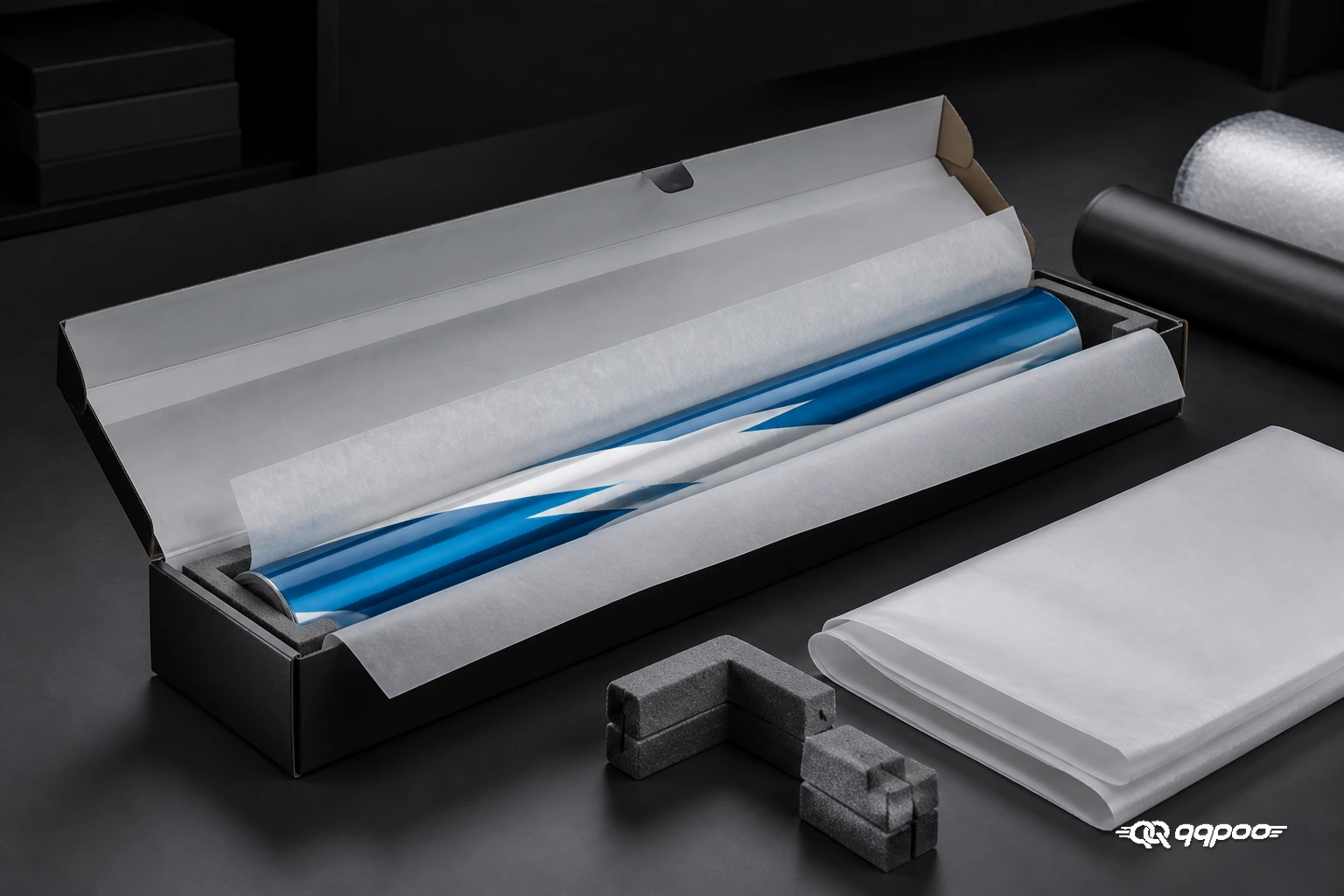
The second image shows why packaging belongs in a printing checklist. A good print still needs protection against movement, pressure and abrasion on its way to the installer.
Agree on a suitable core, roll direction and packing method with the supplier. These details are material-specific. Avoid folding large graphics, and do not assume ordinary tissue paper is suitable against every printed surface. If protective interleaving is needed, use a compatible material.
Ask for secure end support and a package that prevents the roll moving around. Keep graphics clean and dry, away from direct sunlight and excessive heat, and follow the film’s storage instructions. 3M’s handling and storage bulletin also emphasizes product-specific guidance and suitable protection.
On arrival, photograph any box damage before opening. Check the panel list, edges, print surface and artwork orientation before installation. If you find a crease, missing section or print defect, contact the supplier with clear photos before cutting or applying the affected piece.
Record your itasha proof approval before printing
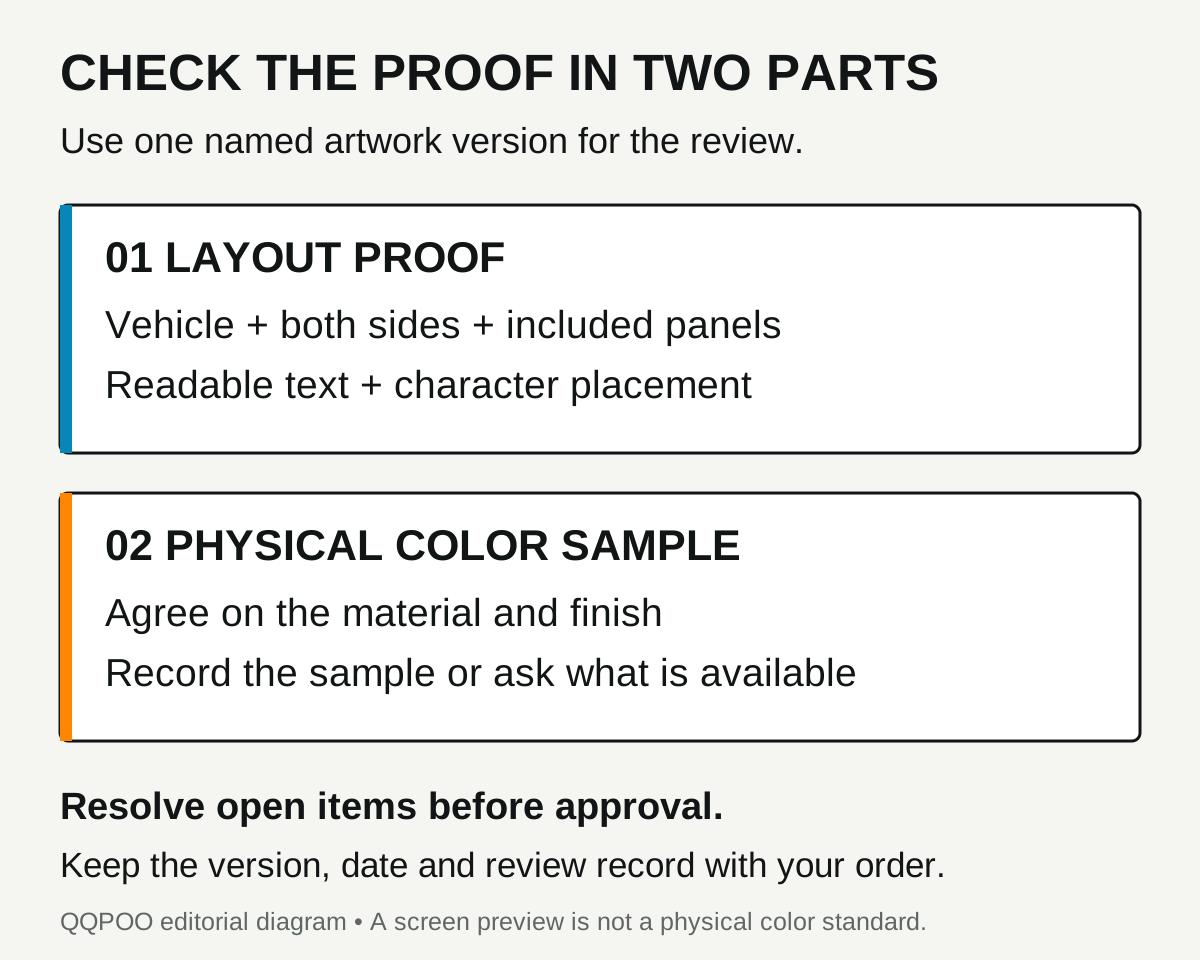
Keep the artwork version, vehicle layout and any agreed sample together when approving an itasha print. A message such as “looks good” leaves room for confusion if several versions have been shared. Identify the file or proof you reviewed and list any details that still need a response.
Treat layout and color as separate review tasks. The screen proof helps you check the composition, both sides, lettering and panel coverage. Ask what physical sample is available for assessing the printed colors and finish. Record whether that sample is agreed, requested or still unresolved. A sample service or specific material should be confirmed for your order.
Send revision notes that identify the exact change
Include the version, vehicle side, panel and detail in each note. For example: “On version 03, left rear door, please move the character’s face clear of the handle and send an updated side view.” This is a feedback example, not a statement about an actual customer project.
Review the opposite side as well. Read lettering and logos in their intended direction rather than assuming the entire design can simply be flipped. Aurora Graphics’ layout tutorial demonstrates separate handling of text and logos when mirroring a wrap.
Collect related notes into one response and ask which changes fit the agreed revision scope. For a QQPOO custom project, confirm the current revision allowance through the custom design service. Before the design stage, use the itasha design brief to organize the vehicle photos and artwork references.
Copy this pre-print approval record
Replace the fields with the details of your own order. Write “pending” beside an unresolved item and ask the team to clarify it before approving production.
Vehicle: [make, model, year, body style and modifications]
Artwork version: [file or proof name and date]
Left-side layout: [reviewed / changes requested]
Right-side layout: [reviewed / changes requested]
Included panels: [agreed list, with exclusions]
Text and focal details: [direction, spelling and placement checked]
Film and finish: [confirmed specification or pending question]
Physical sample: [reference and date, requested, or pending]
Open changes: [exact notes to resolve]
Final confirmation: [confirmed version and date after open items are resolved]
Use the kit coverage checklist to verify the panel list. Keep shipping and local installation arrangements with your project notes, and check the delivered pieces against the agreed record before application.
Your pre-production approval checklist
- Confirm the artwork version, vehicle details and output dimensions.
- Review both sides, character placement, panel breaks and lettering.
- Approve the physical sample and chosen finish.
- Record the film and laminate names and agreed finishing process.
- Confirm the included panels, packaging plan and delivery inspection steps.
Keep this approval record with your order. It gives you, the designer, printer and installer a shared reference if a detail needs checking later.
Itasha printing FAQ
Can I use a screenshot as the print file?
A screenshot may be useful as a reference, but it often lacks the detail needed for a large character graphic. Send the original artwork when available and ask the printer to assess it at the requested output size.
What should I do if the character crosses a door gap?
Review that area in the vehicle layout before approval. A pose may work across panels, but important facial features and small text deserve extra clearance. Ask the designer and installer to agree on placement and trimming.
What should I send with a custom printing enquiry?
Include your car’s make, model, year and body style, photographs of both sides, the artwork or design reference, desired coverage and finish, and any body modifications. Identify details that must remain visible, such as the character’s full face or a specific phrase.
Plan your next itasha with qqpoo
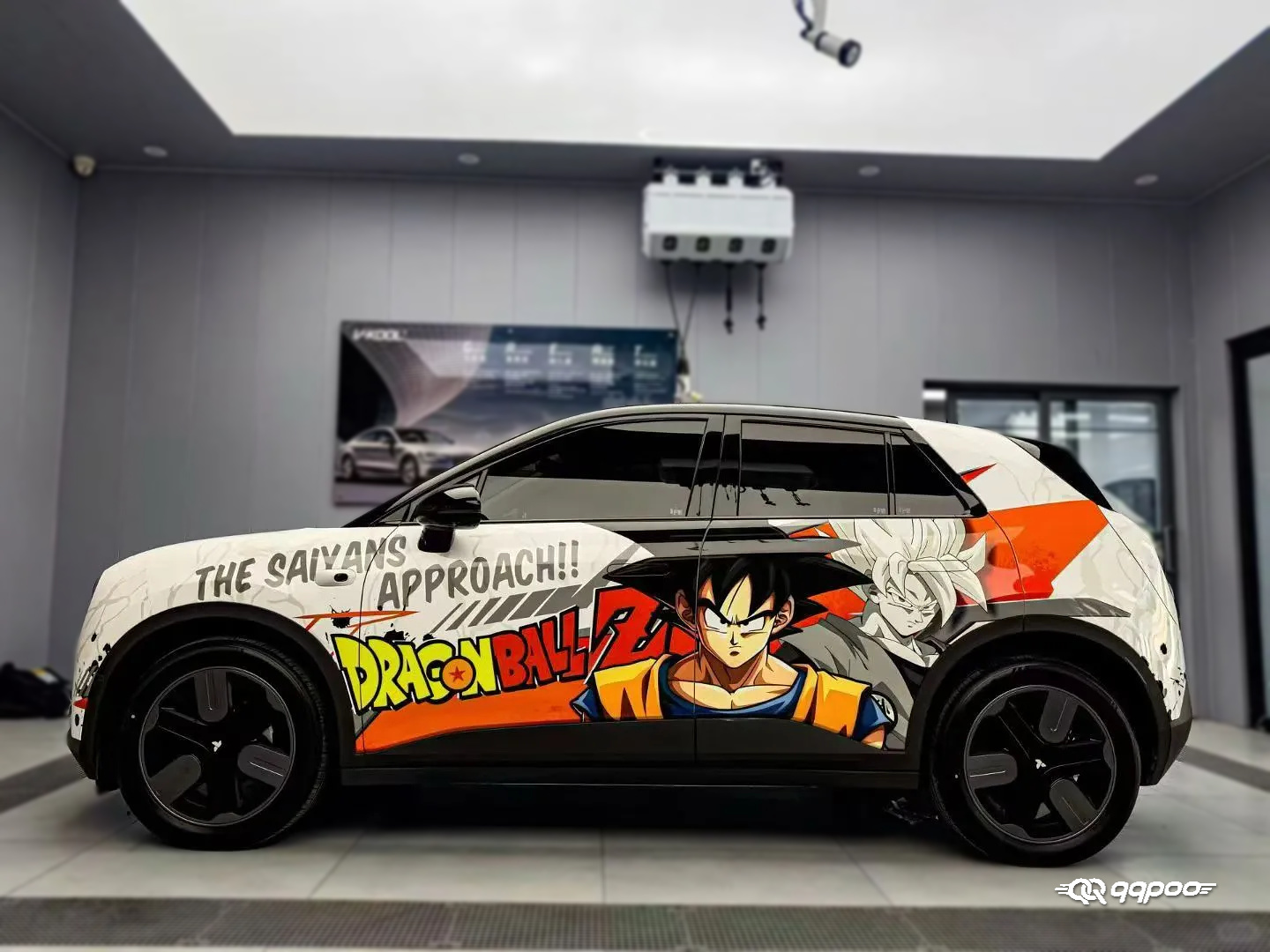
Choosing a design is the starting point; checking how its character details and lettering fit your car is the next step. For a concrete example, explore the Dragon Ball Z Goku Car Wrap [AW-191] in the qqpoo catalog and consider where its focal artwork would sit on your vehicle.
Ready to plan your wrap? Contact qqpoo with your vehicle details and design reference to discuss the next step.